Education

Education
Mostly I’ve taught myself how to do this stuff, and I've been doing it for about 25 years. I’m easily fascinated (distracted) and this has lead to a repertoire that is broader than it is deep. But chances are, if it has to do with the Web, I know how it goes.
I’m also pretty cheap. So, while I've had high-paying corporate jobs, I am mostly motivated by my love and fascination for the Web.
I have always loved learning. Below are a few classes I’ve attended and certificates I’ve collected.
Smashing Conference Workshop
Advanced CSS Layouts With Flexbox and CSS Grid with Rachel Andrew
O’Reilly School of Technology in association withThe University of Illinois at Urbana-Champaign
Intro to PHP
Learn C Programming
Graphic Arts Institute of Northern California
San Francisco, CA
Advanced Pagination with QuarkXPress Certificate
Advanced Illustration with Illustrator Certificate
Advanced Editing with Photoshop Certificate
College of Marin/Indian Valley College
Kentfield, CA/Novato, CA
ENGL 120 Composition II -- A
ENGL 150 Reading & Composition -- A
ENGL 155 Critical Thinking/Composition -- A
SPAN 110 Spanish Conversation I -- B
Self-Taught
Mac, Linux, Windows, CLI, Bash, Vim, Regular Expressions, HTML, CSS, Sass, Git, Apache, Nginx, MySQL, Magento, WordPress
Work

Berkeley Student Cooperative
Webmaster
Berkeley, CA -- 2019–present
Responsible for bsc.coop, a Drupal CMS, and several other web assets. I also administer the company G-Suite for several hundred users.
Peet’s Coffee & Tea, peets.com
Webmaster
Emeryville, CA -- 2011–2018
Responsible for daily marketing updates to peets.com, a Magento CMS running in Amazon EC2 instances. I translate the designs from the Creative Services department into HTML using SCSS, XML, PHP, and jQuery.
Was integral to two complete redesigns of peets.com and saw transition from a site built with ASP, running on Microsoft IIS to one built with PHP running on Nginx.
Worked closely with an outside agency (Interactive Accessibility) and remote developers on the peets.com ADA compliance project.
Swirl Interactive, Eleven Inc, and others
Web Developer
San Francisco, CA -- 2010–2011
Executed landing pages, registration forms, interactive Flash ads, and HTML email campaigns for clients such as AAA, Callaway Golf, Lennar Homes, Tuck School at Dartmouth, AARP, eBay, PayPal/BillMeLater and PG&E.
Wells Fargo
Web Consultant
San Francisco, CA -- 2009–2010
Developed, proposed, successfully implemented solution addressing the merger of the Wachovia and Wells Fargo intranets for the Wealth Management Marketing division.
Hamilton Partners
Production Artist, Print and Web
Healdsburg, CA -- 2004–2009
Worked on packaging for RadioShack’s ZipZaps, Xmods, and VEX Robotics kits. I was promoted into the Web Department, Flash-based sites and widgets for Microsoft’s Encarta brand, and HP’s small and medium business printer division.
Wrote CSS/HTML; developed a Bash script that, with ImageMagick and Illustrator files, created a multi-panel thumbnail of a brochure, automatically, eliminating a laborious and time-consuming Photoshop procedure.
Developed blackboxwines.com: WordPress/jQuery, with client reviews, edits implemented, alpha, beta from Photoshop to completion in under three weeks, on deadline, for all major browsers (including IE6).
Broderbund/Mattel Interactive/Riverdeep
Associate Editor/Assistant Webmaster, Print and Web Production
Novato, CA -- March 1999–April 2004
As a member of the Creative Services department, I worked with Art Directors, Designers, and Engineers in various capacities such as Production Artist, Associate Editor and Assistant Webmaster. I worked on the riverdeep.net site, and the Creative Services intranet.
Notable titles and brands I worked on include Printmaster, Calendar Creator, Print Shop, Carmen Sandiego, The Oregon Trail, Reader Rabbit, Destination Math, Destination Reading and Destination Success.
All-American Printing Services
Production Artist Digital Pre-Press
Novato, CA -- November 1996–March 1999
Performed every aspect of pre-press and quickly became familiar with files from many different applications (PageMaker, FrameMaker, QuarkXPress, Illustrator, Freehand, Photoshop, among others) and mediums, such as film, color-keys, plates, and devices such as digital proofers, the Xerox Docutech, the Fiery color-laser printer in a turn‑key print operation.
Designed and implemented a virtual press schedule using two networked Macintosh 6100s, Adobe PageMaker and Timbuktu remote control software that allowed the press room and the prepress department to update the same schedule dynamically from different parts of the building.
About
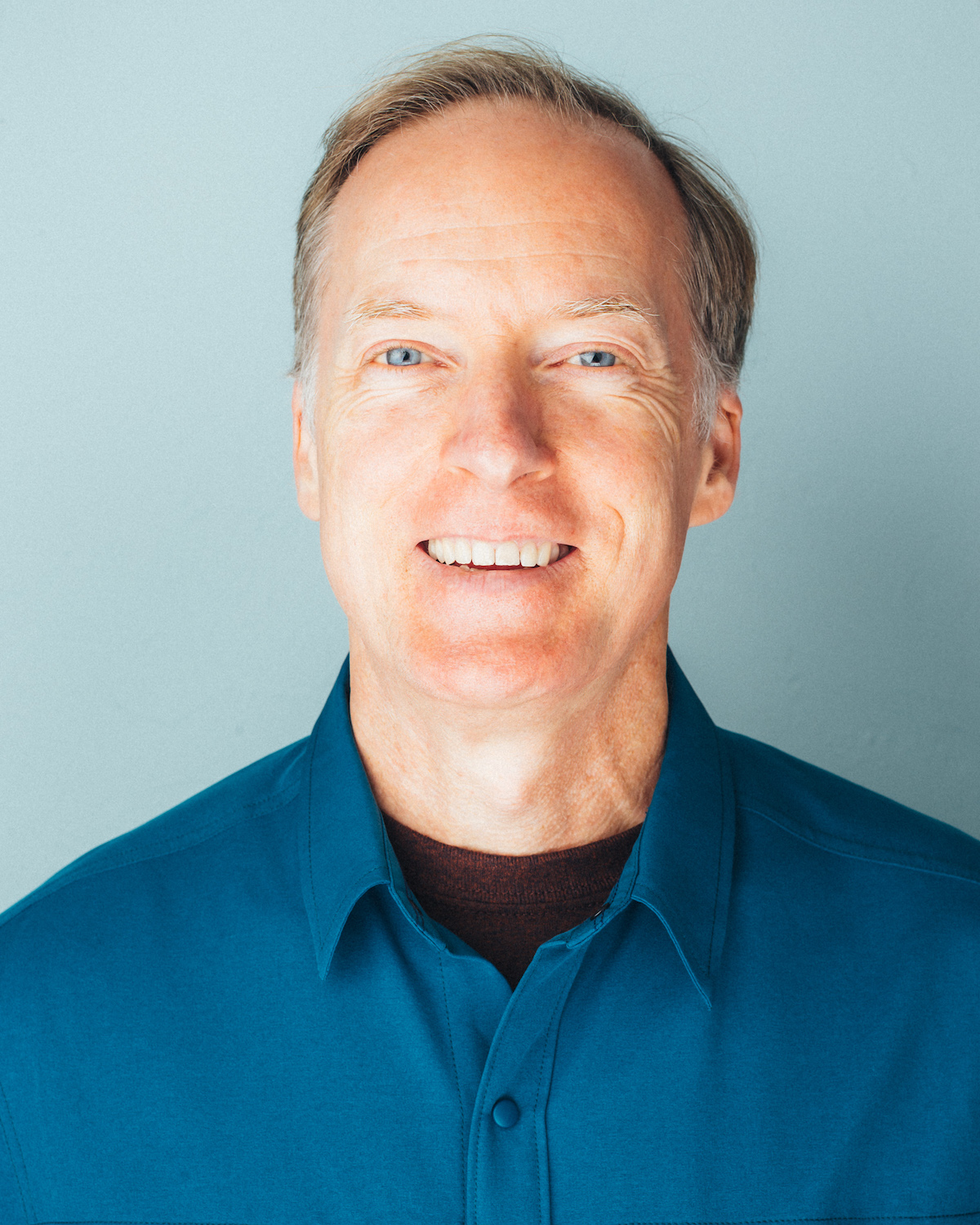
My first computer was an Atari 400 with a keyboard like a fast food cash register, no storage media, and a loosely fitting power jack. The simple programs I wrote in Basic would last long enough, if I was lucky, to show my mom before my dog, an English Sheep Dog/Bearded Collie mix named Major, would lay down on the power cord, erasing everything.
Today, many, many computers later, I am platform agnostic but prefer to work in OS X for the well-designed GUI and seamless terminal integration. Although the un-repairability of the modern MacBook Pro is starting to get me down.
I enthusiastically enjoy using Linux and other open source software to work and play (and also to manage the family media). My comfort on the command line dates back to the years before installing Windows 3.1 from a dozen or so floppy disks. DOS was fun, but I really love Bash.
I taught myself HTML in the late 90s and started using it professionally just a few years later at Mattel Interactive. At the same time I worked in Digital Pre-Press and Creative Services departments doing page layout, photo-manipulation and print production. Digital production shifted gradually to the sidelines over the years, and now I look to Web Development for my main occupation.
My text-editor of choice is Vim. I enjoy the power of CSS, jQuery, PHP, Python, and regular expressions for accomplishing a wide variety of Web objectives.
Aside from computers, I have many other interests, not the least of which is my family. Also, writing, music, literature and art. I enjoy cooking and eating spicy food, and I love a nice cup of tea.
A lifelong resident of Marin County, I moved to Novato in 1999 and live there still with my wife and children and two cats.
Contact